Built for Australia's care workforce
Talk. Review.
Done.
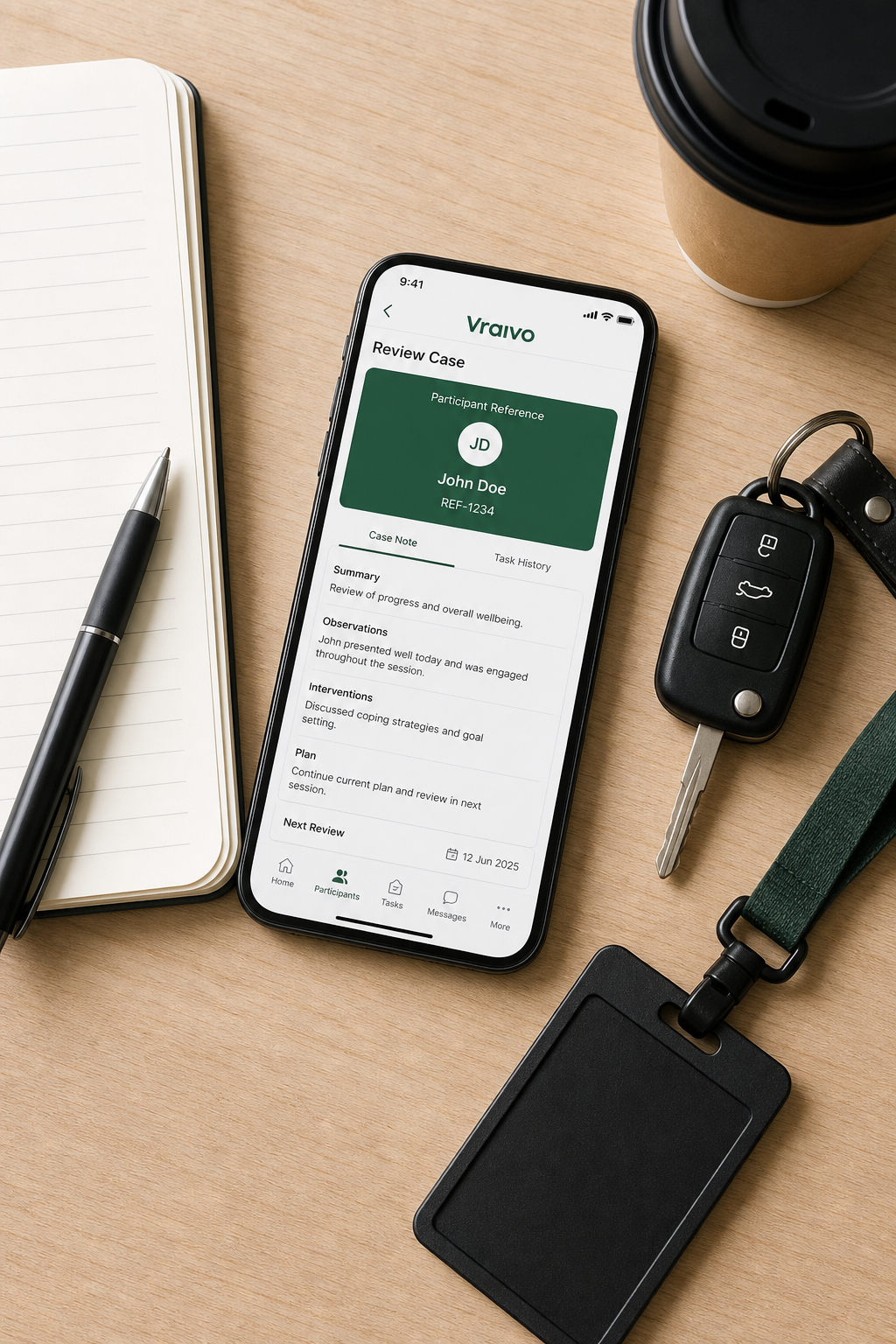
Vraivo turns your voice into professional, structured case notes in seconds — so you can spend less time on paperwork and more time with the people you support.
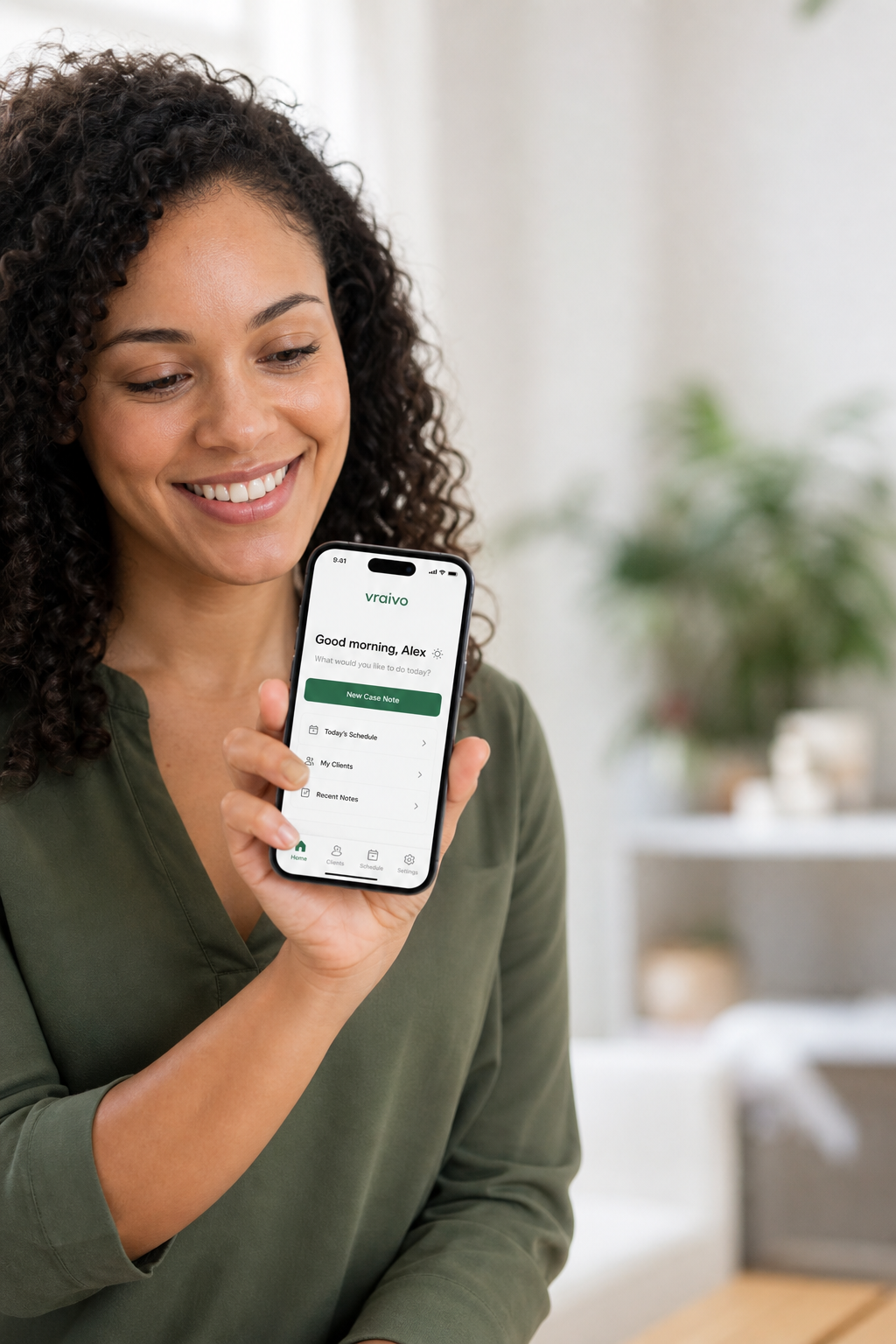
Vraivo turns your voice into professional, structured case notes in seconds — so you can spend less time on paperwork and more time with the people you support.
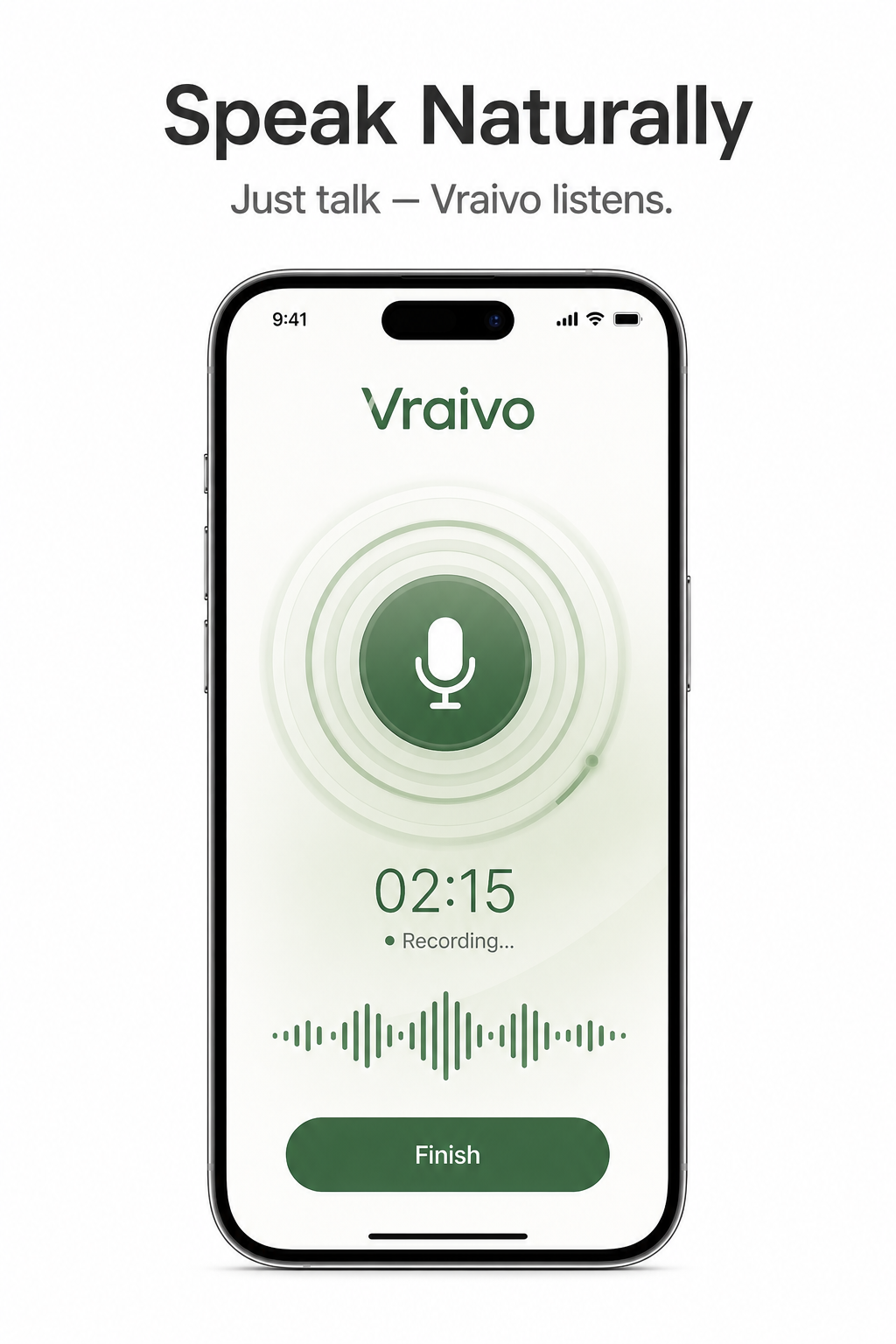
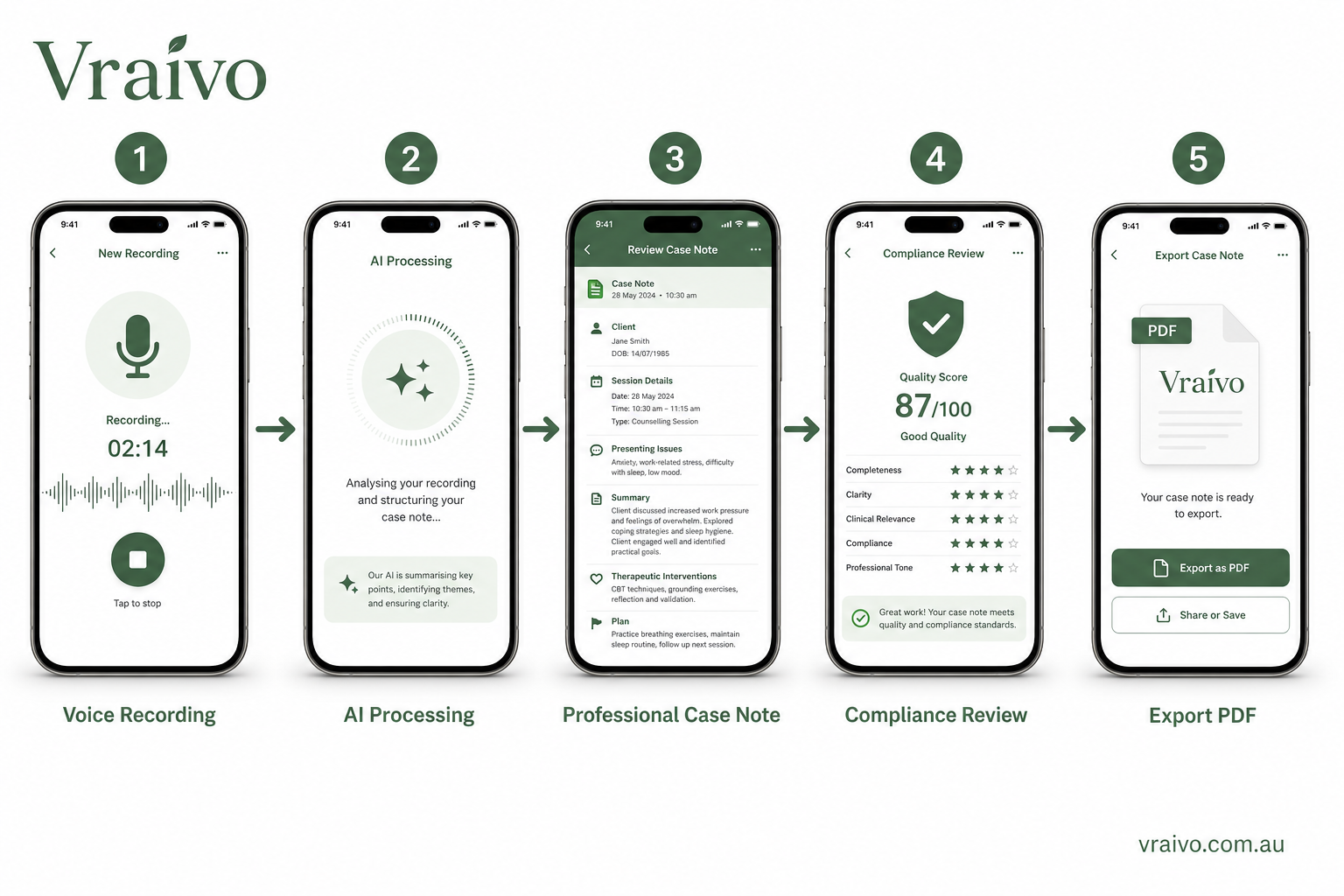
Voice Recording
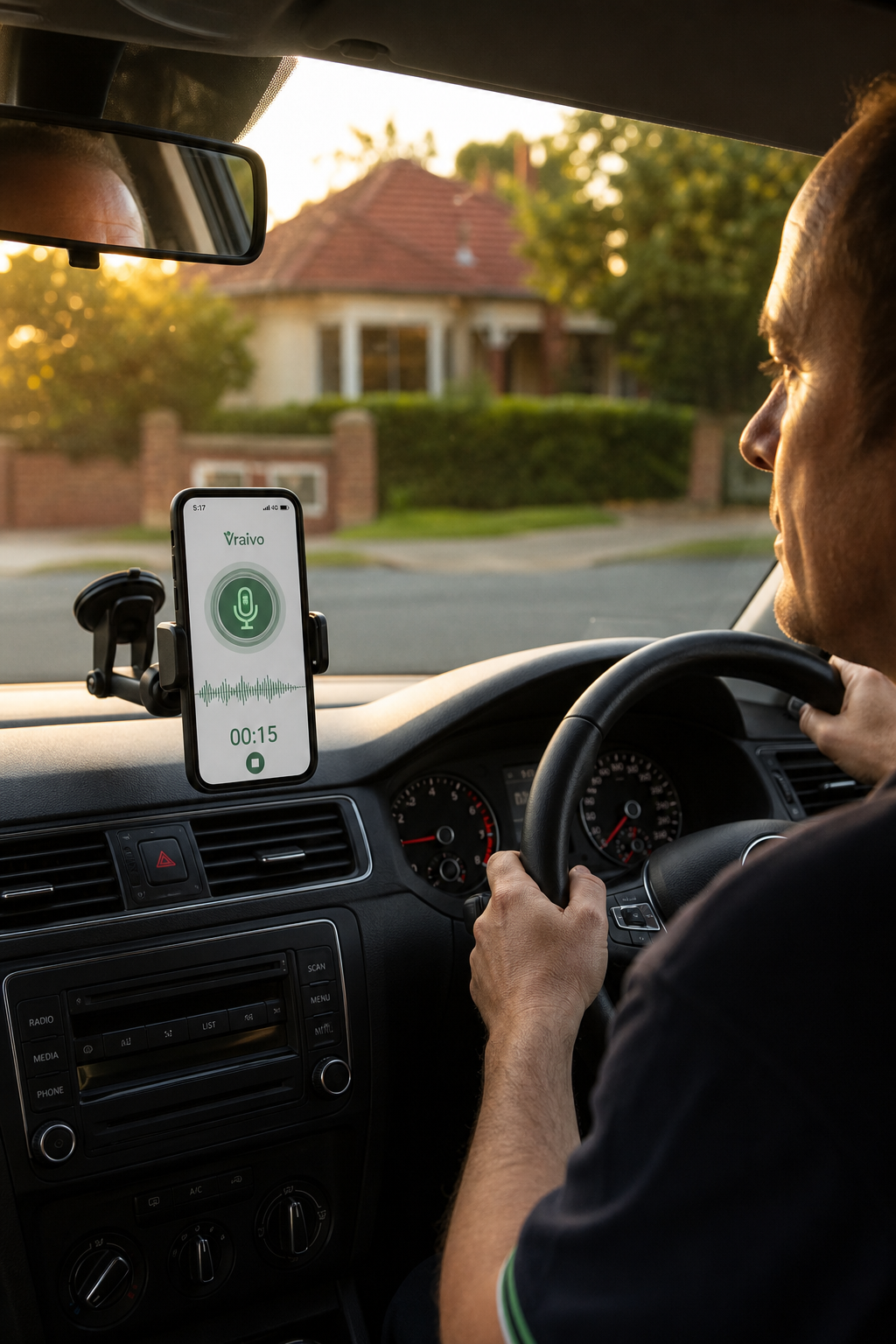
Just talk through your session the way you would to a colleague. No scripts, no forms, no structure needed — Vraivo captures everything and handles the rest.
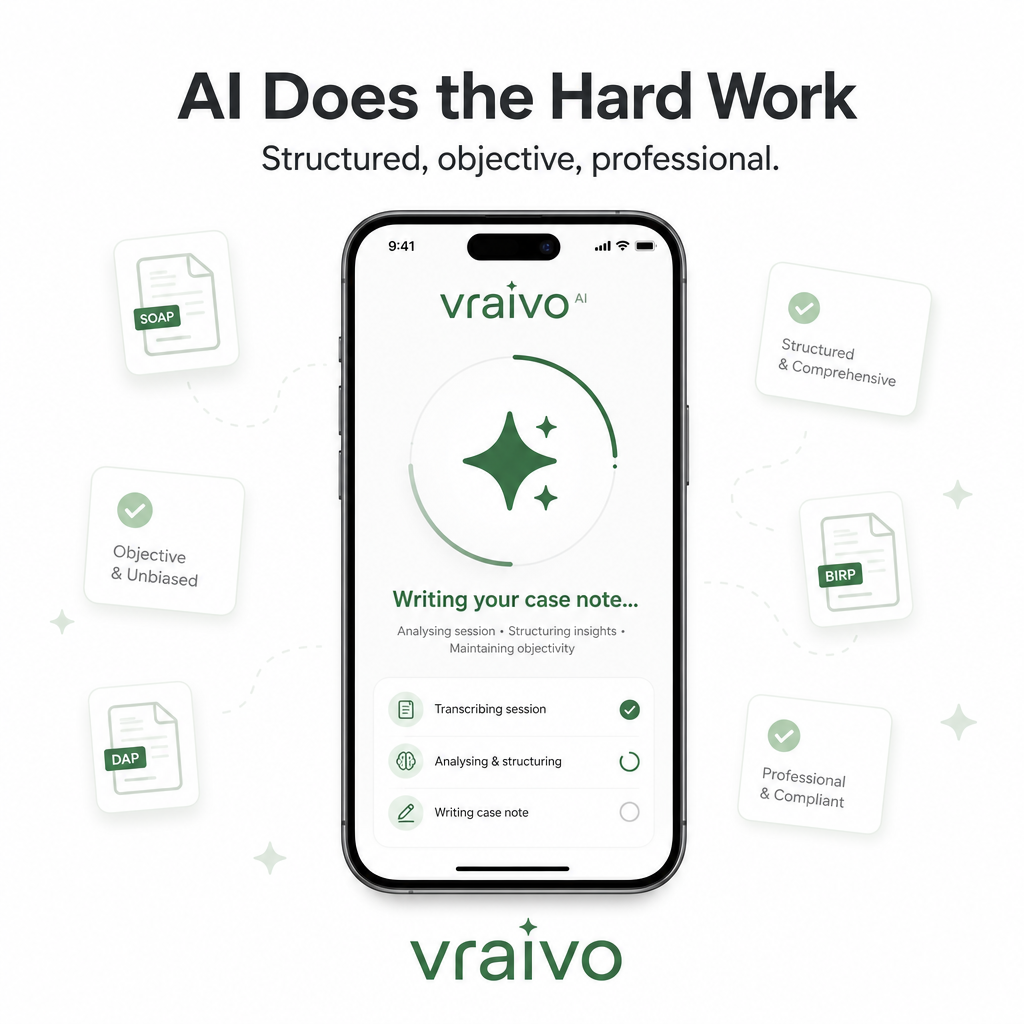
AI Processing
Vraivo's AI analyses your session, asks targeted follow-up questions if needed, then generates a structured, objective case note — ready for review in seconds.
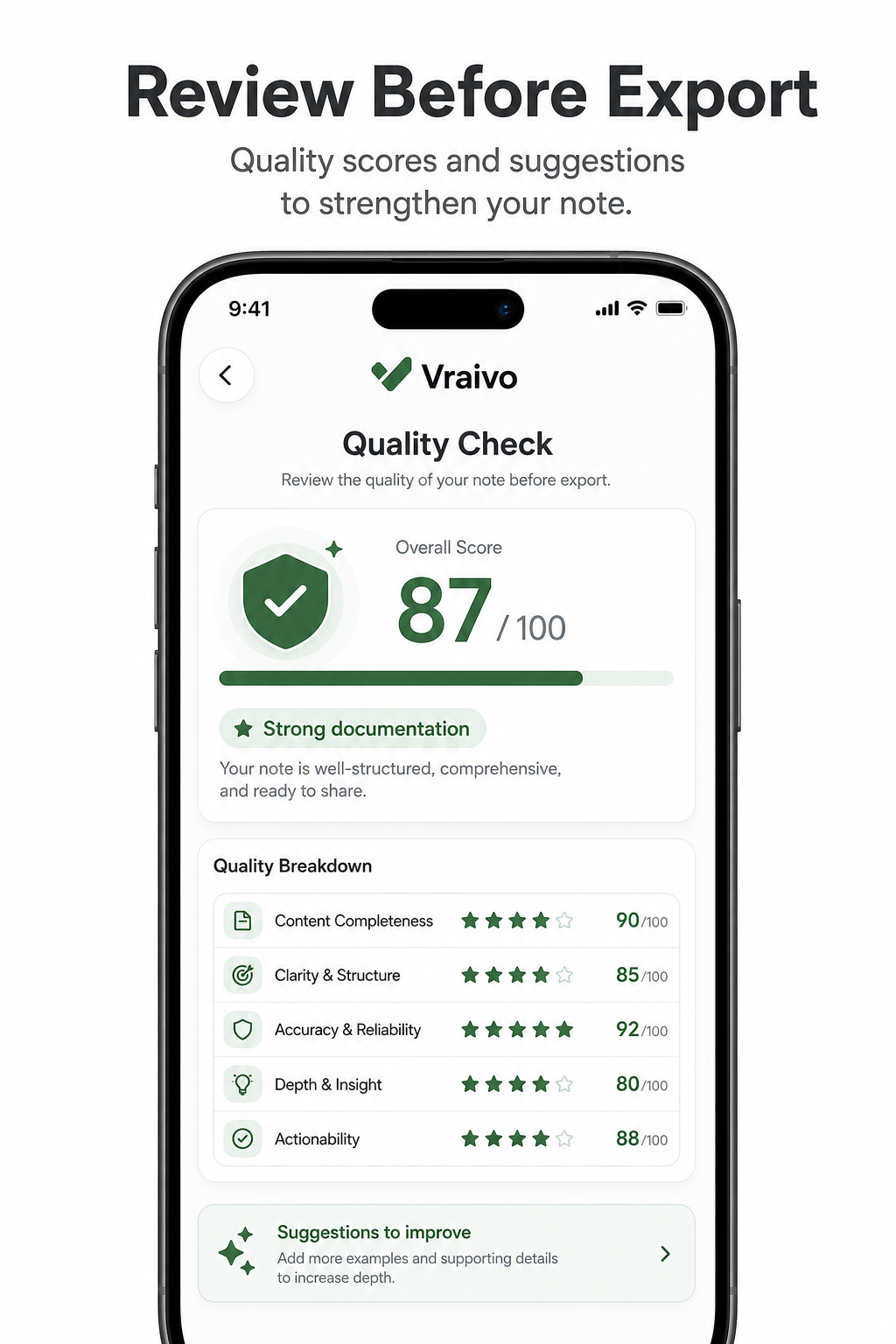
Quality Check
Every note gets a quality score out of 100 — covering completeness, professional language, goal linking, objective language and risk assessment — so you know it's ready before it leaves your hands.
PDF Export
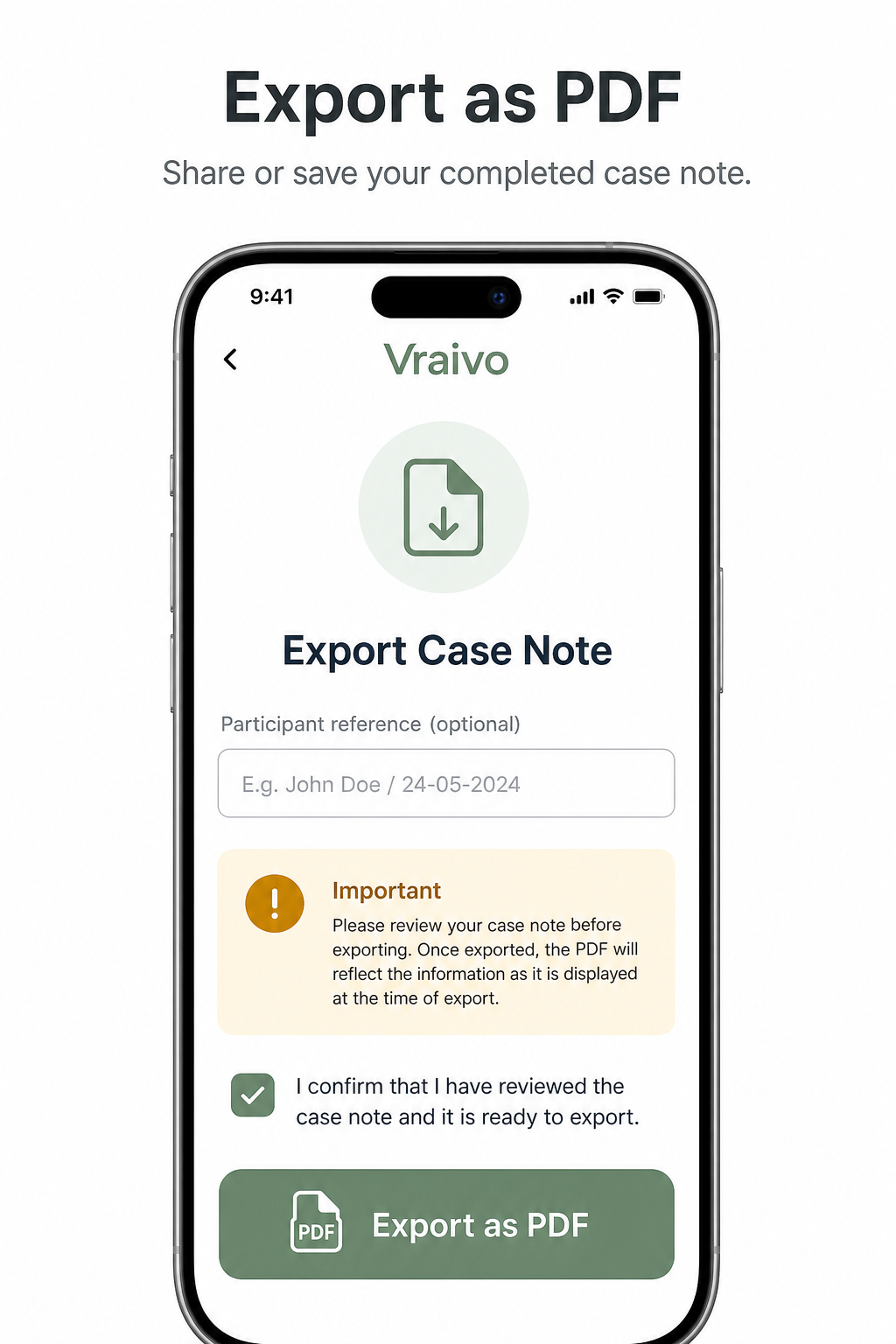
Once signed off, export your case note as a professional PDF and share it via AirDrop, email, or save directly to Files — all from inside the app.
The Process
Record your session, let AI do the heavy lifting, review the result, sign off, and export — all in under 3 minutes.
Privacy First
Vraivo is designed from the ground up to handle sensitive session information responsibly. No surnames. No government IDs. No unnecessary data.
Vraivo only asks for a first name, initials, or reference. No surnames, NDIS numbers, dates of birth, or government IDs are ever required or stored.
Voice recordings are sent securely for transcription then deleted instantly — whether the transcription succeeds or fails. Nothing is retained on Vraivo's servers.
Once you complete and sign off a case note, the raw transcript and follow-up answers are automatically cleared from the app — only the final note is kept.
Case notes live on your device in local storage. Vraivo does not maintain a backend database of your notes or participant information.
Any name you add at the PDF export step is temporary state only — it is never persisted, never sent to AI, and is cleared the moment you leave that screen.
Delete individual participant notes, all notes, or your entire account and all app data at any time from the Settings screen — no hoops, no delays.
Download Free
Available on iOS and Android. No subscription required to get started. Professional case notes in under 3 minutes.
Published by VraiSys Pty Ltd · Perth, Western Australia